
Tired of getting woken up by alert calls? Let OnCall help.
OnCall Background
OnCall is a common practice in many industries, especially IT operations and technical support. Its purpose is to make sure problems and incidents can be handled quickly outside business hours or during emergencies, so business continuity and service quality are protected.
Consider this example.
Xiao Wang is an IT operations engineer at an internet company. He maintains the company's online service platform, which runs 24/7 and must be continuously monitored for performance and availability.
At midnight, he has just fallen asleep. At 1 a.m., an emergency phone call from the monitoring system wakes him up: the service platform is seeing connection timeouts, and users cannot access data. Xiao Wang gets up immediately, logs in, and starts troubleshooting. During the incident, however, the phone keeps ringing with more alerts. After an hour of work, the issue is fixed and user access returns to normal.
The next night at 3 a.m., another call comes in. This time, an application server has exhausted its memory, causing slow responses. Xiao Wang has to get up again to diagnose and mitigate the problem. After a long emergency optimization, the system gradually recovers. Just as he is about to rest, another alert arrives: one machine was not restarted during the previous recovery.
This keeps happening. Over time, Xiao Wang can no longer tolerate being woken up in the middle of the night so often.
The outcome is clearly unsustainable, but many teams are still operating this way.
Why Does This Happen?
The main causes are straightforward:
- OnCall has not been treated as an important engineering discipline.
- The team does not have a suitable OnCall system to support the process.
Together, these two problems call for a structured solution.
Structuring OnCall
-
Build an OnCall culture. First, the company needs to establish an internal OnCall culture, including documented OnCall processes, incident-handling workflows, escalation mechanisms, and emergency response policies.
-
Create a professional team. Next, build a dedicated OnCall team based on the company's OnCall policy. Make each person's responsibilities clear and divide work effectively.
-
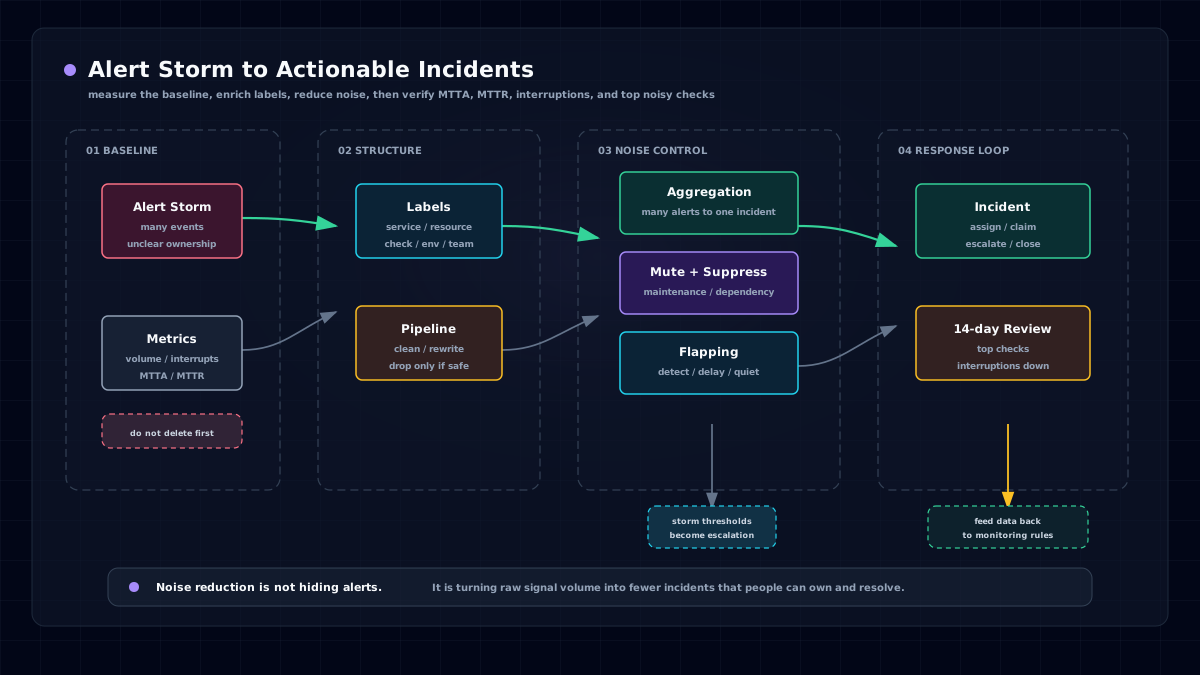
Use a professional OnCall system. A professional OnCall system is essential. Alert storms can seriously harm responders and, in severe cases, make alerts impossible to process at all.
-
Run post-incident reviews and improvements. Use postmortems to verify whether the OnCall system is effective. Measure response speed, handling time, and process compliance, then improve based on the findings.
With a structured approach, companies can build a robust OnCall system and improve their ability to respond to emergencies efficiently.
OnCall System
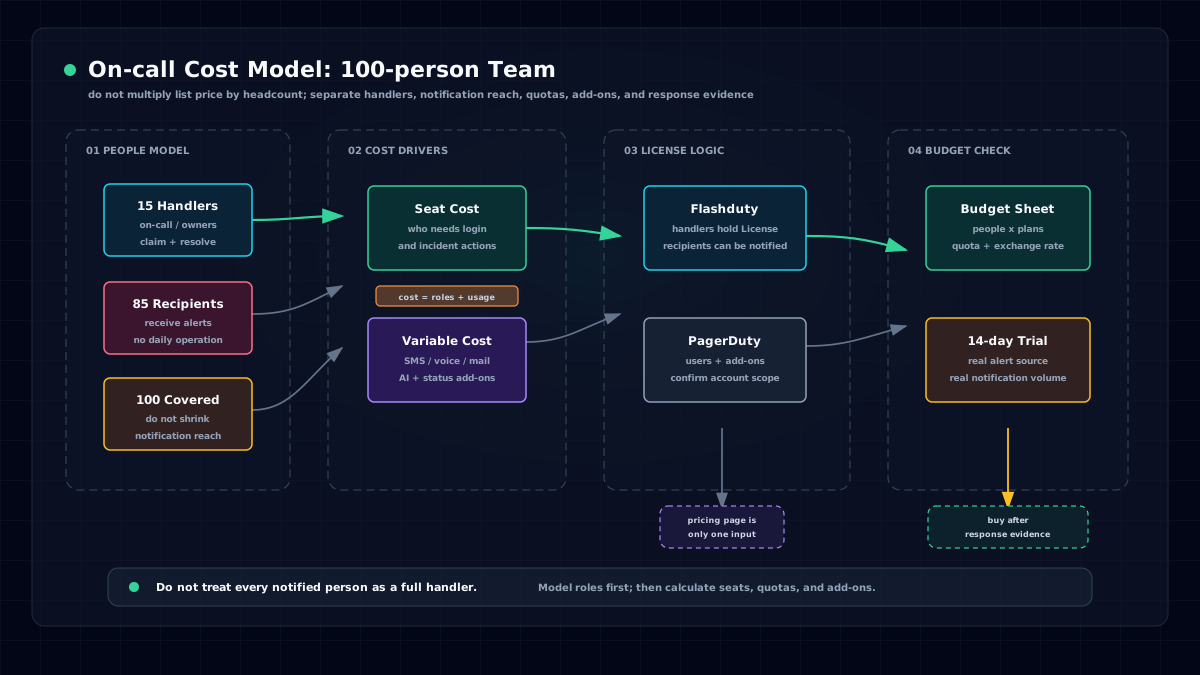
Google's SRE organization uses an internal OnCall system called Outalator. In China, the Flashcat team has launched Flashduty, a product that integrates well with many monitoring and instant messaging tools while providing a simpler, more intuitive user experience.
Flashduty's OnCall capabilities include:
-
Alert grouping. Alert grouping consolidates multiple related alert events into one incident, reducing noise and providing a clearer incident view. By grouping similar alerts into a single failure event, teams can avoid alert floods and focus on solving the real problem.
-
Schedule management. Schedule management helps teams make sure the right people are available to handle emergencies at any time. It supports flexible hourly, daily, weekly, and monthly schedules, including rotations, rule overrides, and temporary swaps for emergency response. It also provides schedule views that make duty arrangements easy to manage.
-
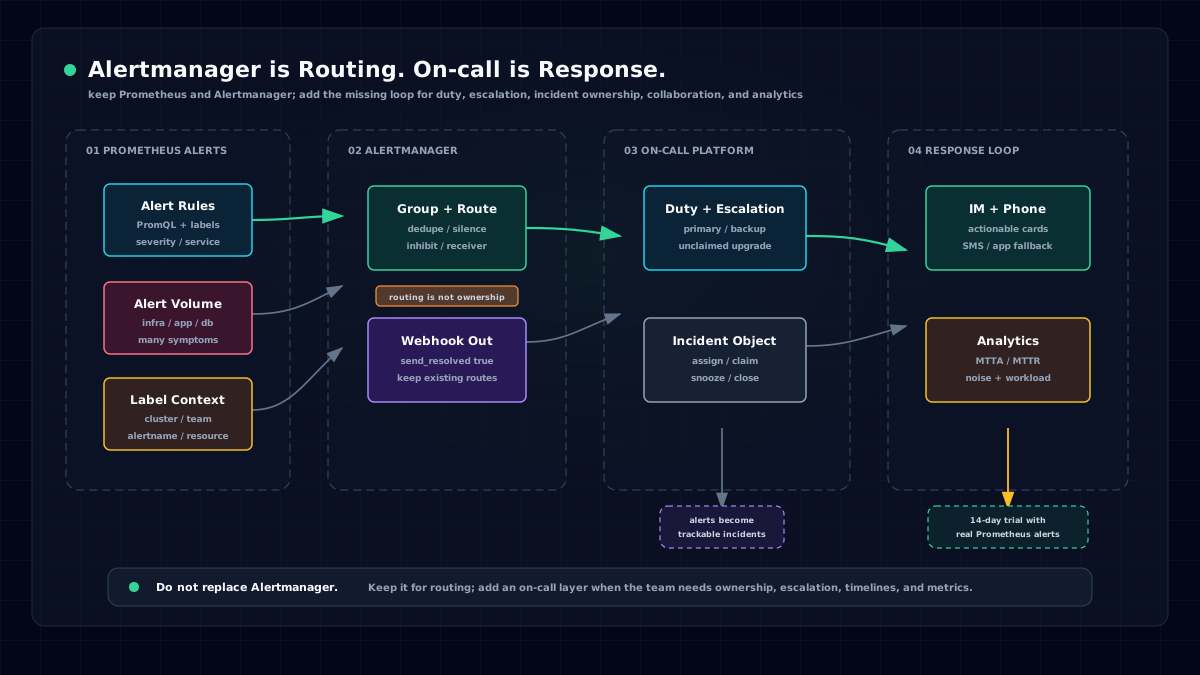
Alert escalation. Escalation ensures that alerts unresolved within a defined time are escalated to higher-level support teams or managers. This helps ensure every alert receives timely attention and prevents unresolved problems from causing prolonged business impact.
-
Self-healing callbacks. When an alert or incident occurs, Flashduty can automatically call predefined interfaces to attempt recovery, such as restarting a service, cleaning up disk space, or running a predefined remediation script. The goal is to reduce manual intervention and restore normal service quickly.
These are only part of Flashduty's OnCall capabilities. It also provides service calendars, analytics dashboards, alert muting, alert suppression, multi-channel IM notifications, and more. Together, these features form a powerful OnCall system that helps enterprises improve operations efficiency, reduce downtime, shorten responder handling time, and improve service quality and response speed.
Conclusion
Flashduty inherits the core practices of modern OnCall systems while optimizing for ease of use and local integrations. For teams looking for an efficient OnCall solution, it is a strong option.
Still looking for the right OnCall system? Take a look at Flashduty.