
Opsgenie shuts off on April 5, 2027, and Atlassian deletes any data you haven't moved. You have two real options: move to Jira Service Management (JSM), or move to an independent on-call platform. Either way, plan for about four weeks of work. This guide helps you pick the path, compares six destinations, and gives you a week-by-week plan. Prices are list prices as of October 2026.
The timeline is fixed
The dates come from Atlassian's Opsgenie licensing FAQ:
- June 4, 2025: end of sale. You can't buy Opsgenie or change plans. You can still add seats, and you can renew only if the term ends before April 5, 2027.
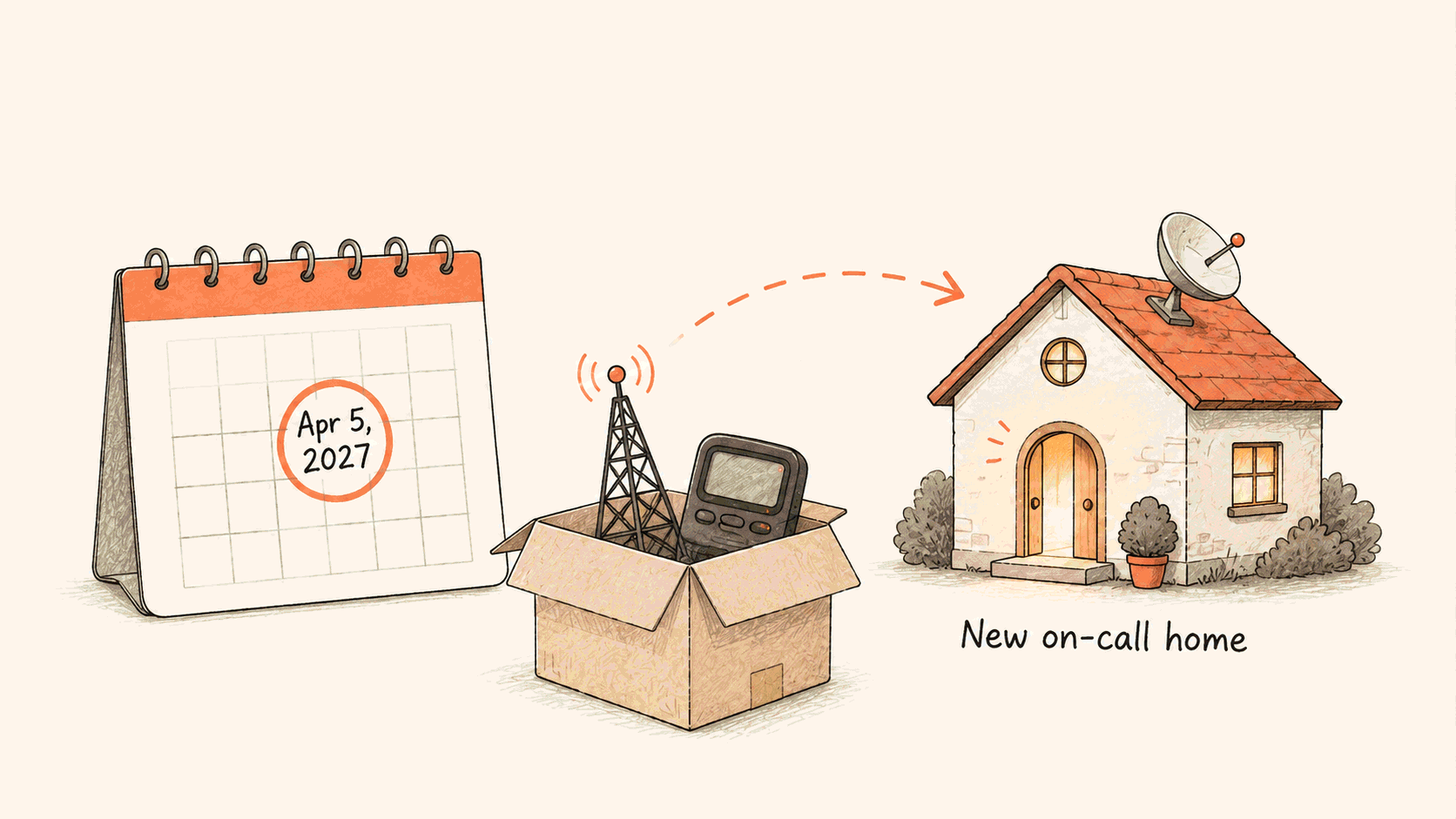
- April 5, 2027: end of support. Access shuts off, and data that hasn't moved to JSM is deleted.
If you use Atlassian's automated migration to JSM, the migration docs add two constraints. Someone who is both an Opsgenie Owner and a site admin must schedule it at least seven days ahead. After migration, Opsgenie stays available for 120 days, then shuts down.
Put your own date on the calendar several months before April 2027, while you can still run two systems in parallel.
Pick a path first
Path 1: stay with Atlassian. Opsgenie's alerting and on-call features now live in JSM. If you already run on Jira and Confluence, this path has the least friction: one vendor, one invoice, and an automated migration.
Path 2: move to an independent platform. Schedules, escalation, routing, and incident collaboration live in a product that doesn't depend on JSM packaging. This path fits teams whose response spans tools outside Atlassian, especially teams that coordinate in Feishu, DingTalk, or WeCom.
Decide this before you compare prices. The wrong path costs more than any per-seat difference.
What to check in a replacement
Opsgenie did the basics well: schedules, escalations, multi-channel notifications, and heartbeats. Any replacement must match those. Compare on these points instead:
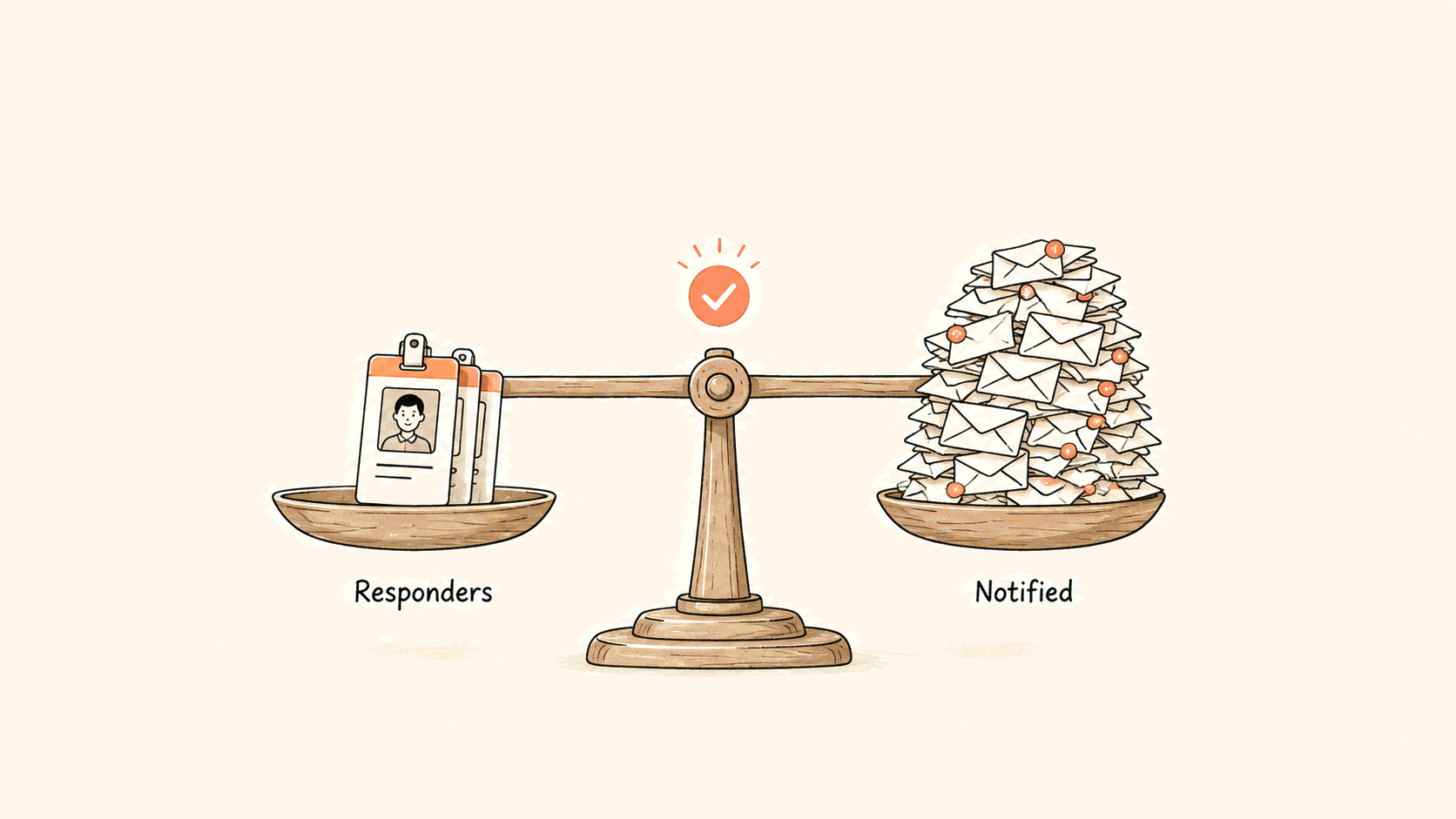
- Who needs a paid seat? Wide notification coverage is the first thing teams cut when everyone pays.
- Where do responders coordinate? Native support for your chat tool keeps the response in one place.
- What happens after the alert? War rooms, timelines, postmortems, and status pages decide whether you learn from incidents.
- What does the AI do? Ask whether it can investigate in your environment before it pages someone.
- How much migration help do you get? A vendor that plans the cutover with you beats an import button that almost works.
Six destinations
1. Flashduty: an independent platform for China and global teams
This is our product, so discount this section accordingly, then test it in a trial.
Flashduty covers alert intake, noise reduction, schedules, escalation, war rooms, postmortems, status pages, and an AI SRE agent. None of it depends on a ticketing suite.
- Only responders need a license. Professional lists at $29 per user per month on the pricing page. Developers, QA, managers, and business owners who only need notifications get phone, SMS, email, and chat alerts for free. Status-page subscribers are free and don't need an account.
- Response happens in your chat tool. Flashduty has native apps for Feishu, DingTalk, and WeCom, including on-premises editions, plus Slack, Teams, Zoom, and Telegram. One click opens a war-room group chat with a live incident card.
- Scheduling goes beyond Opsgenie's. You get primary and backup roles, multi-person rotations, fair rotation, holiday-skipping rules, and dynamic assignment from CMDB data.
- AI investigates first. AI SRE runs diagnostics in a sandbox or your own environment before it pages a person.
- Status pages are included. Public and internal pages support three subscription levels and RSS or Atom feeds.
Trade-offs: There's no one-click importer from Opsgenie. You rebuild schedules, escalation policies, and integrations, with help from our team. If your company is standardized on Jira and wants the fewest decisions, JSM has less friction. Flashduty is also less known to overseas procurement teams.
Best for: Teams of 50 to 5,000 that want an on-call platform independent of a suite, especially teams that work across China and global channels.
2. Jira Service Management: the official Atlassian path
JSM puts incidents next to your tickets, changes, and problem records. The automated migration moves most alerts, schedules, and policies.
Some items need manual work. Atlassian's preparation guide says some configurations need manual steps after migration, and a migration guide in JSM tracks them for 120 days. Validate your rotation and escalation patterns during that window. Native JSM status pages are Enterprise-only. On other plans, you need a separate Statuspage subscription.
Best for: Organizations standardized on Jira and Confluence that value one vendor over on-call depth.
3. PagerDuty: the established incumbent
PagerDuty has 750+ integrations and mature event orchestration. On its pricing page, Professional is $21 per user per month and Business is $41, billed annually. Every user in the account is a paid user. People who only need updates can use read-only Stakeholder licenses, from $150 per month per 50 users, but Stakeholders can't be paged. AIOps starts at $699 per month and PagerDuty Advance at $415 per month.
For a 100-person team with 15 responders, PagerDuty Business costs $4,100 a month with full seats, or about $915 with Stakeholders. Our PagerDuty alternatives guide shows the arithmetic.
Best for: Enterprises that want the incumbent and will pay for it.
4. incident.io: Slack and Teams native response
incident.io runs incidents in Slack or Microsoft Teams. Alerts declare incidents, channels open automatically, and AI drafts the postmortem.
On the pricing page, Team is $15 per user per month billed annually ($19 monthly) plus $10 for on-call. Pro is $25 plus $20 for on-call. That's $25 to $45 per user per month with on-call, billed annually. There's no China chat support or private deployment.
Best for: SaaS teams on Slack or Teams that care more about response coordination than alerting depth.
5. Better Stack: monitoring bundled in
Better Stack combines uptime monitoring, logs, status pages, and on-call, with a usable free tier. A responder license is $29 per month billed annually ($34 monthly) on the pricing page. Complex escalation, deep noise reduction, and enterprise compliance needs outgrow it.
Best for: Small teams that want to replace Opsgenie and a monitoring tool at once.
6. Grafana Cloud IRM: for Grafana-centric stacks
Grafana archived OnCall open source on March 24, 2026 and continues development in Grafana Cloud IRM. On the pricing page, the free tier covers three active IRM users. Pro starts at $20 per active user per month plus a $19 platform fee. Grafana's migration tools support Opsgenie as a source. Response features are younger than Grafana's observability features, and status pages aren't native.
Best for: Teams already on Grafana Cloud that want one vendor for signals and response.
Comparison table
| Platform | Pricing (list, October 2026) | Status pages | Migration from Opsgenie |
|---|---|---|---|
| Flashduty | $29/user/mo Professional; notification-only users free | Included, public and internal | Guided rebuild, no importer |
| Jira Service Management | JSM plan pricing | Native on Enterprise; otherwise Statuspage | Automated, with manual follow-up |
| PagerDuty | $21–41/user/mo; Stakeholders from $150/50 users/mo | One external page on Professional; more are add-ons | Manual |
| incident.io | $25–45/user/mo with on-call (annual) | One public page on all plans | Manual |
| Better Stack | $29/responder/mo (annual) | Included | Manual |
| Grafana Cloud IRM | $20/active user/mo + $19 platform fee | Not native | Migration tool |
A four-week migration plan
| Week | Goal | Done when |
|---|---|---|
| 1 | Audit | You've exported schedules, escalation policies, services, integrations, and routing rules, and listed every alert action and incident rule. Delete anything nobody can explain. |
| 2 | Rebuild the core path | Your noisiest real alert source sends to the new platform, and one team's schedule and escalation chain work end to end. |
| 3 | Run in parallel | Alerts go to both systems, escalation fires when the primary doesn't respond, and you've measured delivery latency on voice, SMS, and every chat tool. |
| 4 | Cut over by team | Teams move in waves. Opsgenie stays readable until the last wave lands, and you've exported anything you want to keep. |
If you move to Flashduty, our team plans the cutover with you, including the parts you rebuild by hand. For the detailed feature and pricing comparison, see Flashduty vs Opsgenie in our docs.
Test before you sign
Choose the path first, then test with a real workload. Page yourself at 3:00 AM on the candidate platform before you sign anything. It's the cheapest check in the whole process.
Start a Flashduty trial · See the Opsgenie alternative page
Sources, checked October 2026: Atlassian Opsgenie licensing FAQ, Opsgenie migration docs, JSM status page availability, PagerDuty pricing, incident.io pricing, Better Stack pricing, Grafana pricing, and Flashduty pricing.