
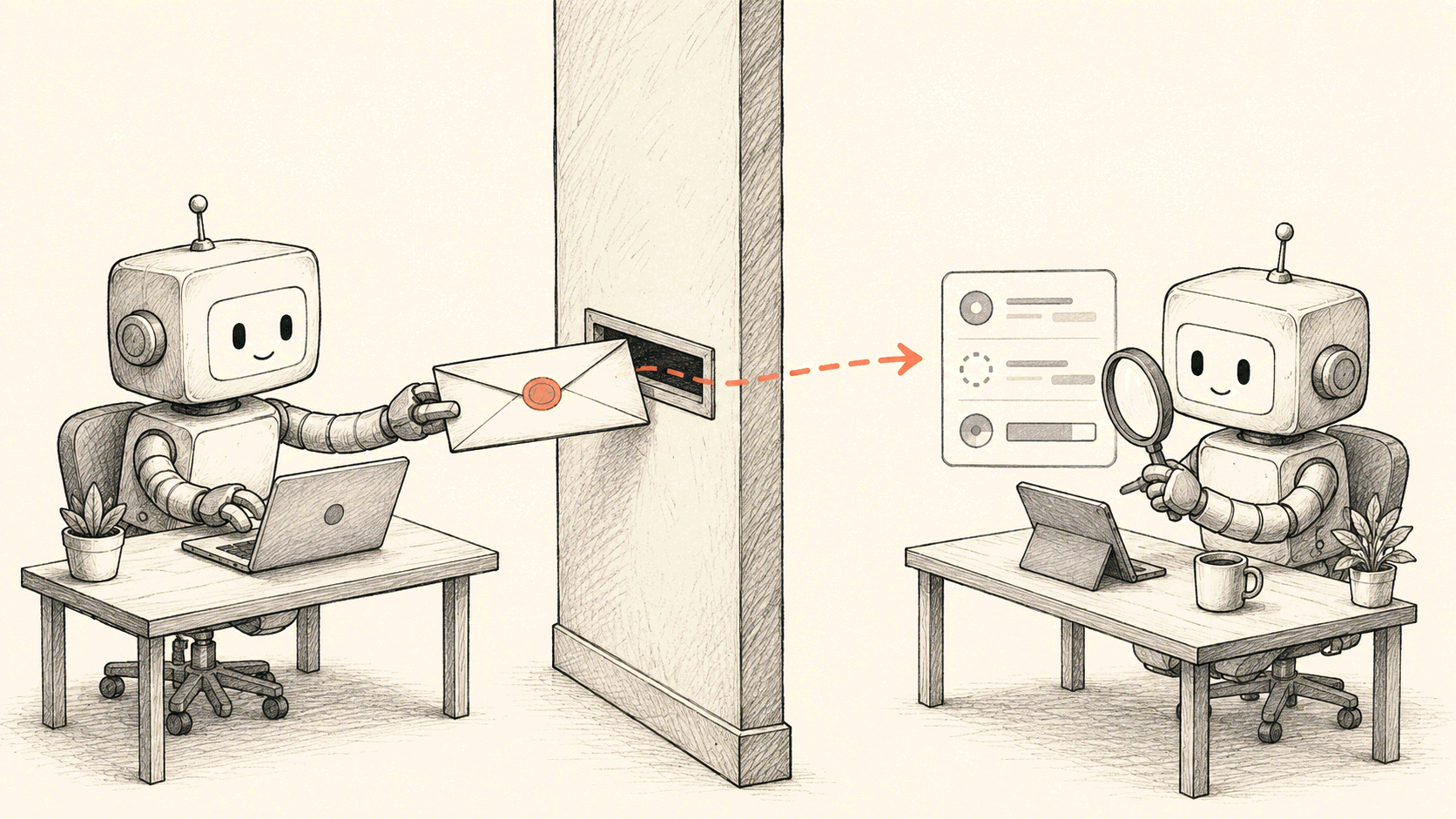
Some work shouldn't be shouldered by AI SRE itself. The agent on the other side has its own model, its own prompt, its own reach into data, and quite often lives on someone else's network. You can't flatten it into a handful of function calls and lay them out in front of AI SRE. You hand over the problem and wait for an answer.
So AI SRE supports A2A (Agent-to-Agent), an open protocol started at Google: it hands whole tasks over to an external agent. Delegation is asynchronous. AI SRE doesn't wait around after delegating — it gets back to what it was doing while the remote agent's progress streams into a task card, and the finished result arrives as a new message in the conversation. It runs in two directions: AI SRE delegates to your agents, and your agents can delegate to AI SRE.
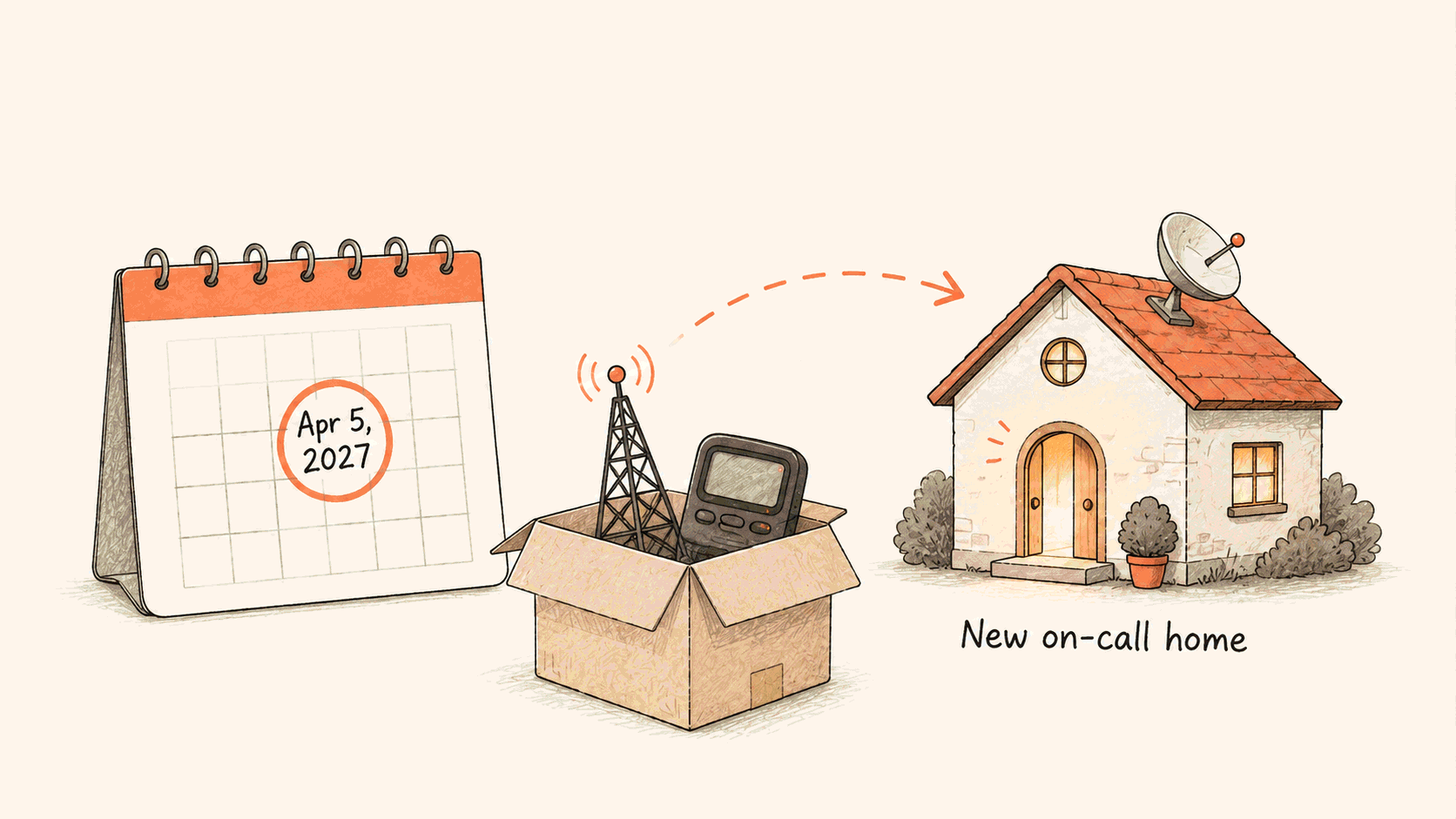
The numbers up front: one task can run for up to 30 minutes, a session runs at most 20 tasks at once, and delegation chains nest at most three levels deep.
To connect one, register it in the console: an address and an auth method. If the other side is FlashAI from the Flashcat family it's even simpler — the console ships a ready-made "Connect FlashAI" template. FlashAI owns the analysis of Flashcat-sourced alerts and incidents (Event Wall, Firemap, Polaris), so when AI SRE investigates one of those, delegating the whole task to it is the natural path.
This post covers what it does and how to use it.
Tools and agents are different things
Before registering anything, decide what you're connecting: a tool, or an agent.
The test we use: if you'd be comfortable seeing every step of it in your own transcript, it's a tool. If it needs to think for a while and you only want the result, it's an agent.
| Tool (MCP) | Agent (A2A) | |
|---|---|---|
| Who reasons | AI SRE itself, step by step | The other side, opaquely |
| One call | One request, one response | A task that may run for minutes |
| Mid-flight | Doesn't ask you for anything | May stop and ask for input or authorization |
| What failure looks like | An error | Possibly "I can't do that," as a normal reply |
| State | Essentially none | It remembers your earlier conversation |
We've written before about why our own platform gets a CLI instead of an MCP server (From MCP to a CLI). That conclusion fits right here: use MCP for someone else's tools; use A2A for someone else's agents. Third-party systems in the connector catalog go through MCP, external agents go through A2A, and the two run side by side.
What a delegated task looks like
Delegation has exactly one entry point, an asynchronous tool: the call returns a task id immediately, and AI SRE moves on with the conversation instead of waiting. The remote agent's work goes into its own card. The card carries an A2A badge, the remote agent's name, what it was asked to do, where it is, and how many tool calls, tokens, and seconds it has spent. Click it and the full run opens in a side panel. When the task finishes, the result arrives as a new message in the conversation.
If the remote stops mid-flight to ask for more input or for authorization, the task parks and waits for you. That isn't a failure — the card shows what it's waiting for.
A session runs at most 20 of these tasks at once; finishing one frees a slot. Delegation chains nest at most three levels deep, so an agent can't spawn its way downward forever.
"The request didn't go through" and "the agent is thinking" are different situations, and the timeouts are layered accordingly: a connection that won't open fails fast, while a slow-starting agent that loads a model and reads context before saying anything won't get killed. A single call can run for up to 30 minutes.
Telling the agent who to ask
When you register an agent there's a field called invocation instructions. It's the field that matters most here. Write it vaguely and AI SRE won't know when to come looking.
It has two layers. The first line can be a summary:, and everything after it is the body.
---
summary: One line on what this agent is good at and when it should be preferred
---
Body: how to call it, required phrasing, preconditions, output format, when not to use it...
Only the summary line is always loaded. Every time AI SRE decides whether to delegate, what it sees is a list of available agents where each entry is one line: name: summary. The body isn't there. The body is delivered in full only the first time it actually delegates to that agent.
So the body can be long and specific. Put procedures in it, hard rules, examples; none of that slows down day-to-day conversation. The summary line, on the other hand, has to earn its place with concrete capability words: product names, verbs, situations. Not marketing copy. The whole document caps at 50 KB and the summary at 1,024 characters.
Where the request comes from
Your agent probably isn't on the public internet.
So the outbound call doesn't leave from Flashduty's servers. It leaves from the execution environment that session is already running in, which is either our cloud environment or a runner you deployed yourself. If your agent sits on an internal network, something inside that network has to make the trip.
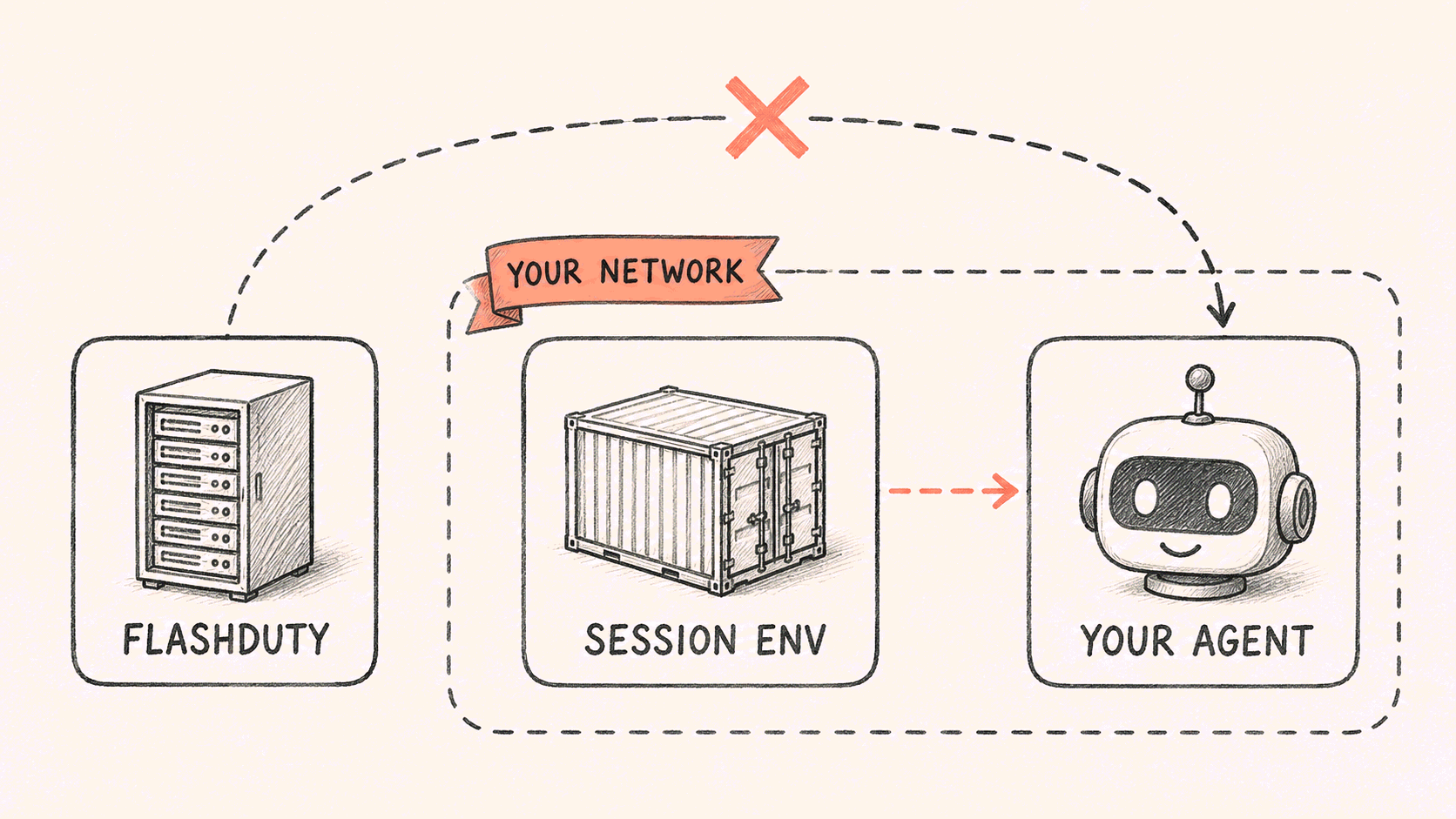
Registration has an execution-environment field that looks like a routing setting but does something narrower. The call always runs in the session's own environment. That field only decides where this agent counts as available. If only one runner can reach it, select just that runner, and the agent won't appear elsewhere.
Not appearing is not the same as not existing. When a session runs somewhere that can't reach it, the model is explicitly told "this agent exists but isn't reachable from here." A name that silently disappears invites the model to invent one; an explicit reason makes it pick something else.
The address field takes either a full Agent Card URL or just the service origin, in which case we resolve /.well-known/agent-card.json by A2A convention. We don't crawl for agents. Registration is a thing you do.
Three ways to supply credentials
Registration covers three trust relationships.
The default is account-shared: a bearer token or an API key configured once at registration, with every session in the account calling the remote on the same key — right for a team sharing one remote account. The second is a secret per user: the first call guides each user to provide their own key, stored encrypted at the account level — right for systems that authorize or bill per person. The third is one OAuth flow per user (OAuth 2.1): the first call pops the authorization window automatically, and credentials are stored isolated per user.
The third mode has a detail that echoes the egress story: the authorization request itself goes out from the execution environment you pick, the cloud sandbox or one of your BYOC runners, because the remote OAuth service may live inside your network too. Whatever the mode, stored secrets always come back masked, and leaving a secret field blank while editing keeps the current value.
We're an A2A agent too
It runs the other direction as well. AI SRE publishes its own Agent Card, and any A2A client can drive it.
curl -H "Fd-App-Key: $APP_KEY" \
  https://api.flashcat.cloud/safari/a2a/ai-sre/agent-card
The card advertises three skills: find the root cause of an incident end to end, query and summarize a service's logs over a time window, and do the same for its metrics.
There's no privileged internal path here. Outside clients use exactly the route we use ourselves, so the interface you call is the same one the product runs on every day.
The card also declares an optional extension for run options, so a caller that wants to choose an execution environment or control whether the run shows up in the session list can say so in the message. Clients that ignore it work fine. Nothing has to be adapted for us.
Boundaries
A few things are worth knowing up front.
The default credential is account-shared. Any session in the account can call that system with that key. If the remote can perform destructive writes, switch to a secret per user or one OAuth flow per user at registration.
We only see what the remote chooses to report. What it ran internally, which tools it used, none of that is visible unless it streams back. That's the deal you accept when you hand over a whole task instead of calling a function.
No automatic retries. When a delegated call breaks mid-stream, what happened is written into the task result and handed to AI SRE, which decides whether to retry — at most one more attempt, never the same call silently repeated.
Where to start
The entry point is AI SRE → A2A Agents in the console. If your alerts and incidents come from Flashcat, start from the "Connect FlashAI" template. If it's your own agent, fill in the address, pick an auth method, and write the invocation instructions — that's the whole registration.
The full field reference and the Agent Card interface are in the docs.