
"Why did it start going wrong now?" During an investigation, metrics and logs tell you what is wrong right now. That question, though, usually has its answer in a recent commit.
AI SRE can now connect to your GitHub organization or GitLab instance. Install it once from the Apps directory in the console, and three things become routine: it reads recent commits on its own during an investigation, it opens the failing CI logs when a pipeline goes red, and it opens PRs for small fixes, ready for your review.
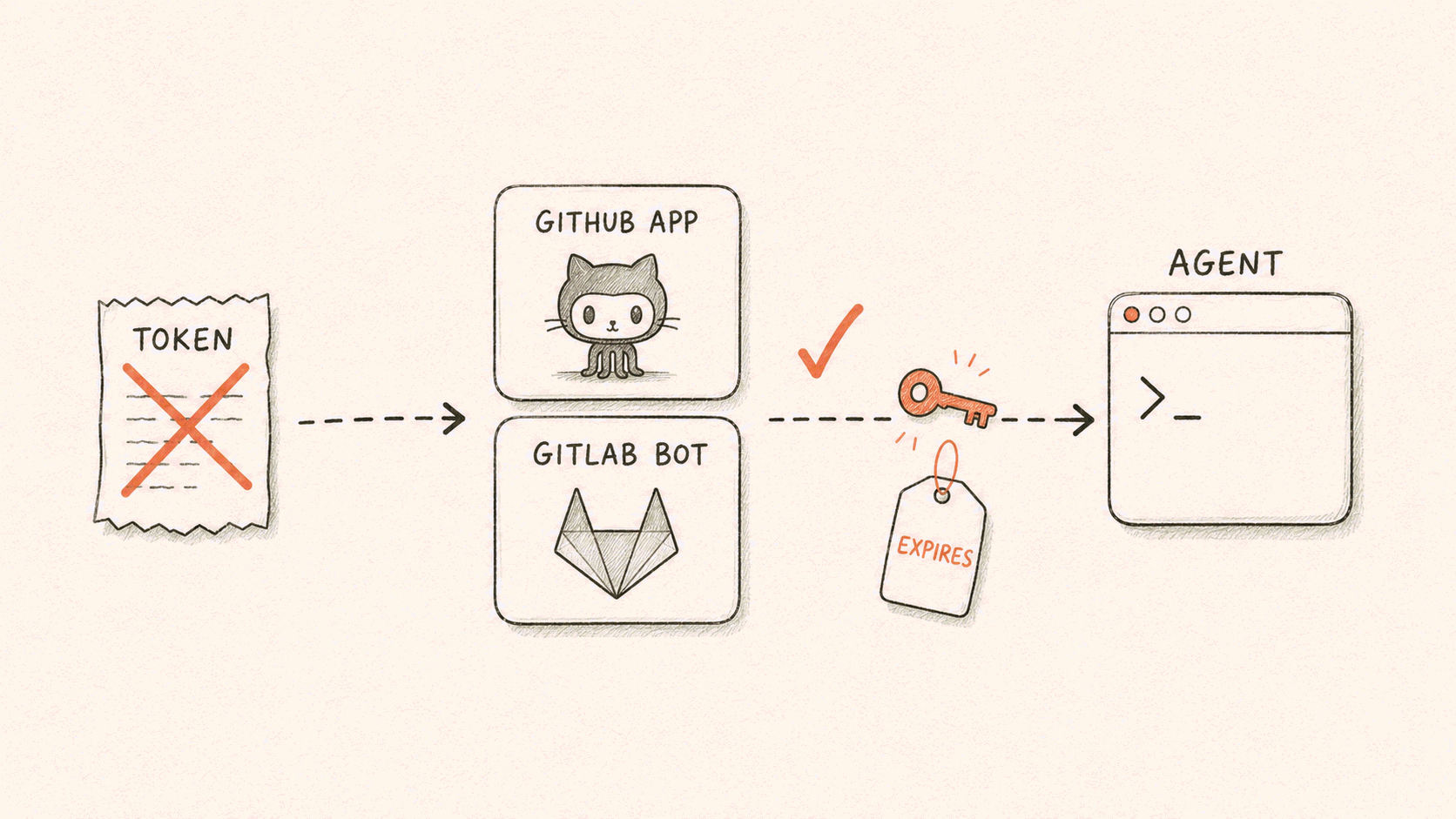
You never paste a token anywhere. Both the cloud sandbox and self-hosted runners are supported, and both only make outbound connections, so no inbound firewall ports are needed.
What to do with it
Line up "when did it break" with the code. Getting the code in front of the AI used to mean copying diffs into the chat yourself. Now you just say:
Check the commits on payment-service from the last 24 hours against the window of this morning's incident, and tell me which change is the most suspect and why.
We wrote about a full case from user report to fix; that investigation was only possible because the agent could read the repository.
Let it look first when CI goes red. A failing pipeline used to mean opening the logs yourself and scrolling to the step that failed. Now:
CI on main is red. Read the logs of the failed step and tell me why. If it's a code problem, open a PR with the fix.
Seeing the red X and seeing the logs are two different things, and it can do both: checks and commit statuses tell it whether CI passed, and read access on Actions gives it the full log of the failed step. So it can tell you why it failed instead of relaying the red X.
Small fixes go straight to a PR. Doc updates, stale examples, an obvious typo: none of these are worth dropping what you are doing:
Update every example that still uses the old config keys and open a PR.
The PR author is the dedicated bot account created during setup, not you. The change goes through your normal review process, and a human always decides whether it merges. Fixes that touch CI configuration work too: the token can write workflows, so code and CI changes land in the same PR and get reviewed in full.
Install once, never paste a token
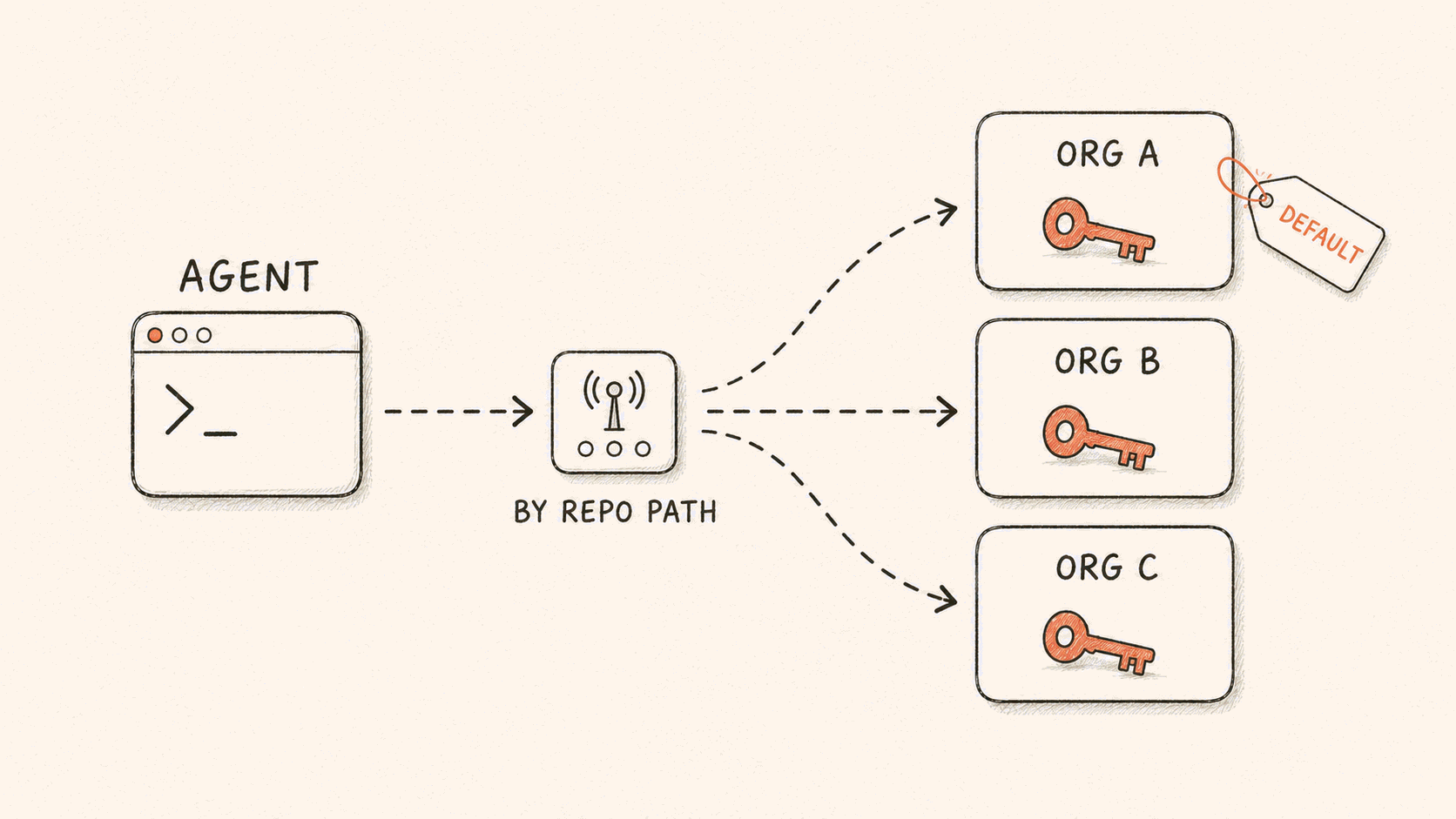
On GitHub, you install our App into your organization, pick which repositories it can see, and that is it. No Personal Access Token is involved. A PAT is a person's identity: it reaches every repository that person can see, it typically lives for months, and where it is stored, who can read it, and what happens when that person leaves all become your problem. The App removes all of that. Connecting multiple GitHub organizations is supported, and each organization gets its own token.
On GitLab, an administrator completes one standard OAuth authorization, and the platform provisions a dedicated bot account, taking the highest tier it can get: service account first, then group token, then project token, ending at the Developer role. gitlab.com, JiHu GitLab, and self-managed instances are all supported.
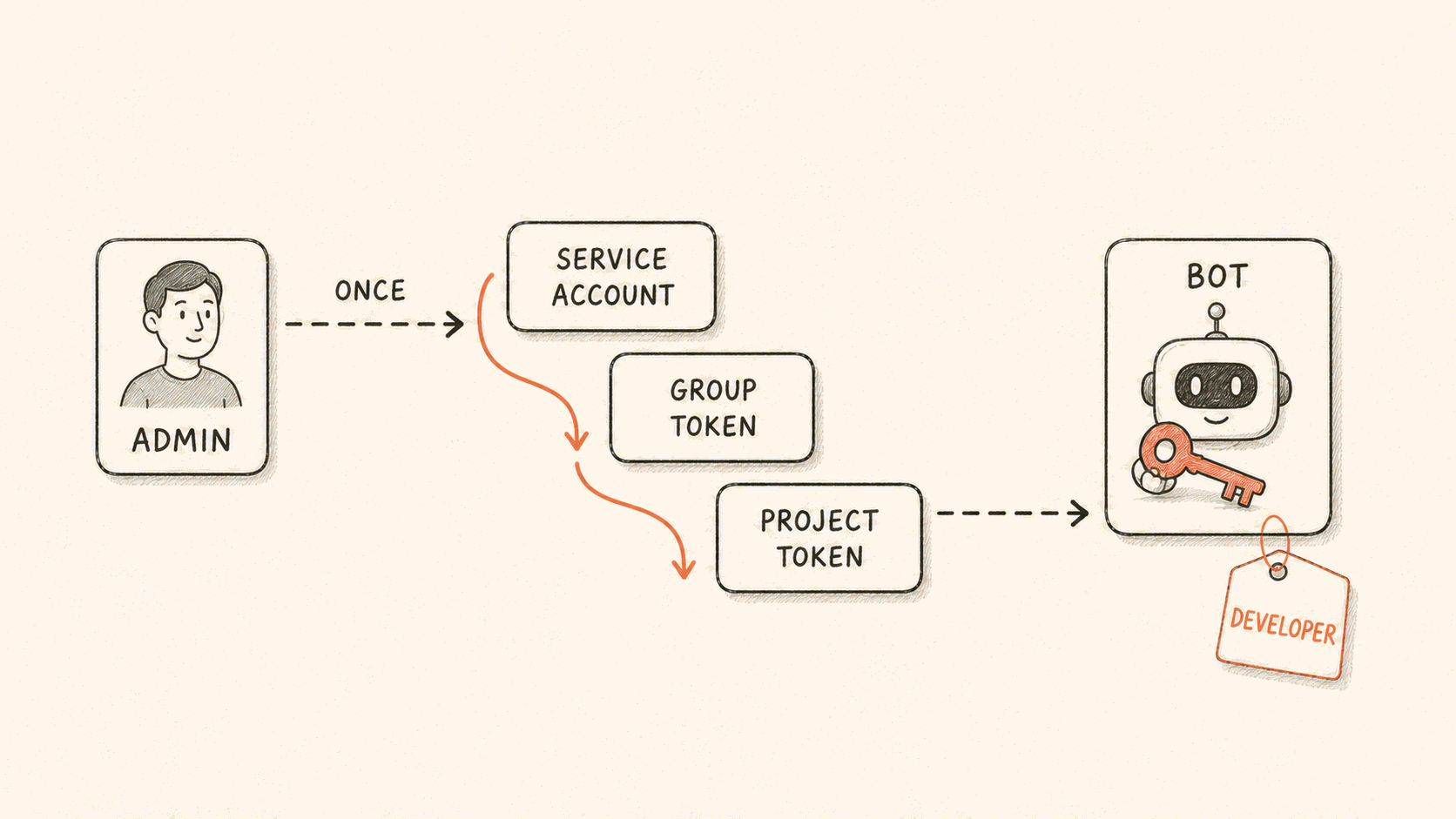
After setup, everything runs under the bot's identity, not the administrator's. The administrator's authorization is used once, during provisioning; everything the agent does afterwards is recorded under the bot. Tokens are rotated automatically before they expire, with nothing for you to manage.
Installing an App does not give the agent a single new tool. It runs the same git commands as before. Those commands can now reach your repositories.
How the credentials are handled
A credential is minted fresh on each command dispatch, injected into the git, gh, and glab tooling the agent already uses, valid only for the repositories you authorized, never written to a database, and gone when the round ends. Even if someone did read one, it reaches only the repositories you granted and does not outlive that round of commands. Sensitive secrets belong behind GitHub environment protection rules, so they only unlock in a protected environment; that gate stays with the repository owner.
Without an App, a cloud session simply has no repository access, with no implicit fallback. A self-hosted runner uses whatever credentials already exist on that host, a path entirely under your control.
One small thing worth saying plainly. GitHub returns an identical 404 for "this repository does not exist" and "it exists but was not granted to this App". So when the agent says the current credential cannot see a repository, it means check the grant, not that the repository is gone.
A boundary, stated plainly: what the agent can do is capped by the repositories you granted, and a credential dies when its round of commands ends, so nothing long-lived is left behind. What you didn't grant, it cannot even see.
Where to start
In the console, go to AI SRE → Apps, install the GitHub App, or connect GitLab (gitlab.com, JiHu GitLab, and self-managed instances are all supported). Setup details are in the documentation.