
The most common way on-call fails is that one responsible person covers for the whole team until they quit. You don't need a reorg to prevent it. Four basics block the worst outcome:
- A fair rotation.
- A clear compensation rule.
- An automatic escalation path.
- One place where alerts converge.
Below is a real example, then six practices in detail, then six common anti-patterns.
An engineer who quit after a year on call
Zhang San (not his real name) was on call every day for a year and carried his laptop everywhere. His team had four people, including the manager. The manager said the other two weren't reliable, kept them off the rotation, and told Zhang San on-call would sharpen his skills. At year end, Zhang San's review was average, and the two who just wrote code scored higher. He decided to quit.
Another version is just as common. The manager announces a DevOps culture, "You build it, you run it, you monitor it," so on paper everyone is on call. In practice, the responsible person carries a laptop at all hours, and the others never respond. Ask why and there's always an excuse: asleep, no signal, in the shower. In the end, the team isn't small, but only one person works until they burn out and leave. The manager hires a replacement, and the cycle repeats.
Everyone loses:
- The responsible person feels wronged for a long time, then quits.
- The team shows weak management, high turnover, and shaky stability, and outsiders can see it.
Blaming management, culture, or the manager alone does little for the problem in front of you. First- and second-line leads still have tools to use. If you're an individual contributor, you can bring the practices below to your manager.
Six practices for fair, sustainable on-call
1. Rotate the duty and share the load
Nobody wants to be on call forever, so schedule it, rotate it, and share it. Fairness comes first. Put everyone on one rotation, and plan for swaps and holiday coverage up front.
A spreadsheet works at first, but it gets painful over time. Shift-change notices depend on someone remembering, and one swap can throw off the whole grid. Products like Flashduty On-call, PagerDuty, and OpsGenie have scheduling built in. They handle automatic rotation, shift-change notices, swaps, and holiday coverage, which lightens the scheduling load.
2. Compensate people on call
If daily pay doubles during your on-call week, you'll be much more willing to take it. Some companies offer a dedicated on-call bonus or extra time off. With compensation, people are willing to take turns. Zhang San didn't take a single day off in a year, which is what happens without it.
The company pays a cost. In return, it gets faster response, a more stable system, and more satisfied engineers.
3. Reward first, then hold people accountable
Clear rewards and consequences, applied fairly, are what make a policy last. Punishment without reward is exploitation.
On the other hand, if someone on duty knowingly ignores calls and alerts and an incident follows, there should be consequences. These might affect their review or bonus, or be more serious in severe cases. The policy has to be credible, or it won't take hold.
When an alert goes unhandled for too long, the system should escalate it to the backup or the direct manager. That way, every alert ends up with someone responsible. Your alert dispatch platform needs to support escalation. PagerDuty, OpsGenie, and Flashduty all do, so one person's lapse doesn't mean a missed alert.
4. Fix risks found on call first
When an on-call engineer finds a stability risk, raise it for discussion, set a priority, and fix it soon. A more stable system fires fewer alerts, which makes on-call easier, and the cycle reinforces itself. The worst case is a known risk left alone while the same alert fires again and again and wears the responder down.
5. Converge and de-noise alerts on one platform
One network failure can set off a thousand alert calls. The on-call phone gets so flooded that even a normal call can't get through.
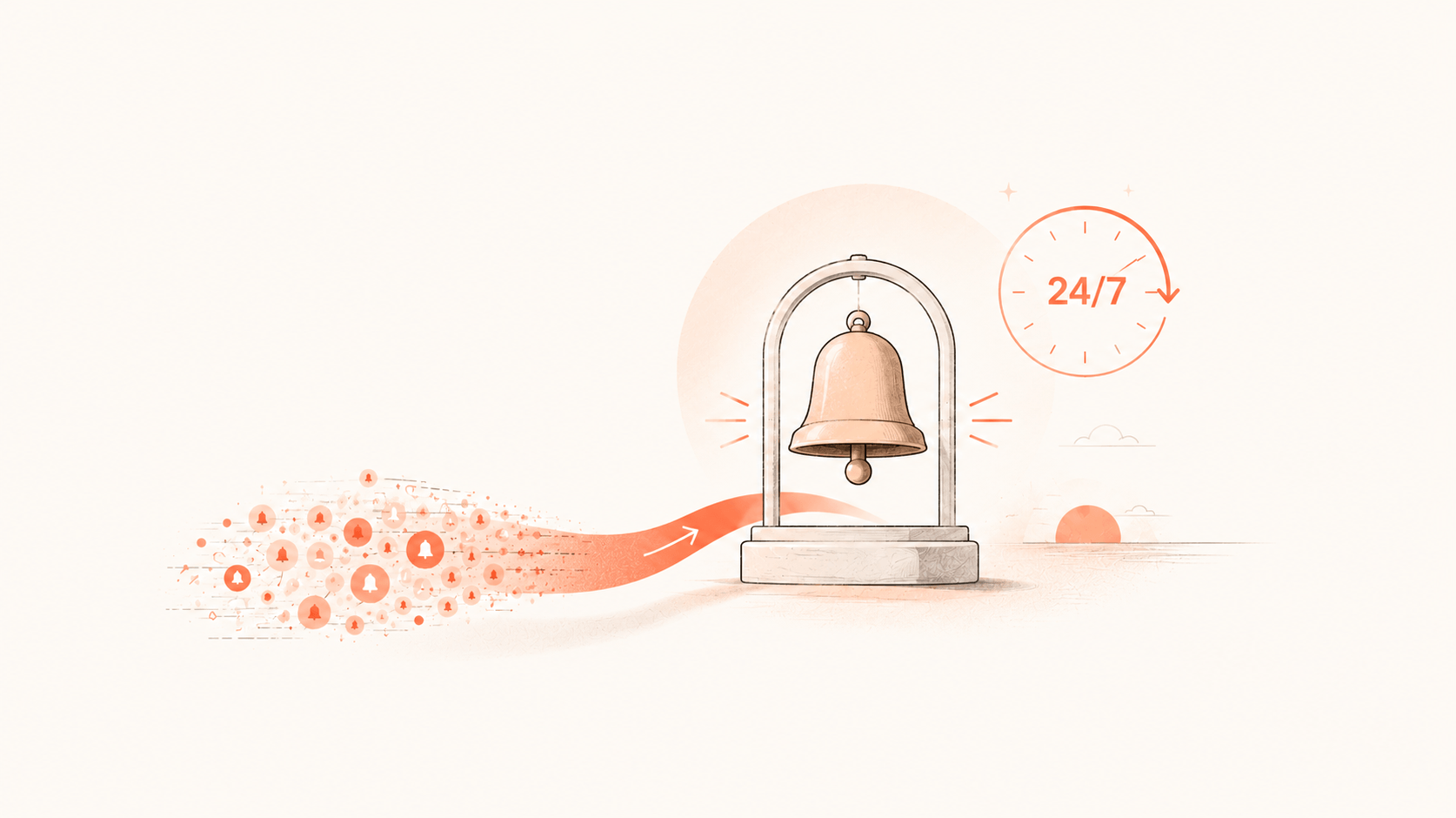
You need an alert platform that converges and reduces noise. It merges alerts with the same root cause into one and holds back alerts that don't count. Most monitoring systems focus on collection, storage, visualization, and alert generation. What comes after the alert, such as convergence, noise reduction, dispatch, and escalation, usually isn't their strength. Most teams don't need to build this from scratch; a mature product frees people for rule cleanup and reliability work.
6. Give on-call solid SOPs
Handling alerts is stressful, and stress causes mistakes. A solid standard operating procedure (SOP) spells out the steps for each situation. It speeds up handling and lowers the odds of a wrong move.
It's even better if you turn SOP logic into scripts that run when an alert fires. Then nobody has to get up at night to type commands. That's why Nightingale built alert self-healing.
Before any new module ships, prepare three things:
- Define service level indicators (SLIs) and configure alert rules.
- Write SOPs and train the team on them.
- Name an emergency contact, usually the module owner. If the owner doesn't want frequent pages, that's all the more reason to get the SLIs and SOPs right.
Six common on-call anti-patterns
These are anti-patterns seen many times over the years. Check how many describe your team.
Messy severity levels, so no alert feels safe to ignore
Nobody thought hard about severity when writing rules, so every alert lands in one pile. None feels safe to skip, high-priority issues get buried, and low-priority ones eat your attention.
Keep it to three levels: P1, P2, and P3. With too many levels, configuring rules takes more thought, people pick one carelessly, and severity gets messier:
| Level | Meaning | Notification |
|---|---|---|
| P1 | Most severe; usually affects a core user flow and needs immediate action | High-interrupt channels like phone and SMS |
| P2 | Affects non-core features, or could become an incident if not handled soon | Medium-interrupt channels like SMS and chat |
| P3 | Usually no user impact but carries risk, for example it might cause trouble within a week; review once a day before you log off | Low-interrupt channels like email, or no notification |
Relying on individual experience with no standard process
Incident handling runs on a few senior people's intuition, passed on by word of mouth. When the team changes, problems surface. And knowledge that lives only in someone's head is the first thing nerves scramble in an emergency.
The fix is to turn that experience into detailed SOPs that a newcomer can follow. SOPs also need regular drills to stay useful. An SOP nobody maintains is probably out of date, so fix the gaps the drill finds.
Postmortems as a formality
The issue gets fixed and everyone moves on without a postmortem, so the same problem comes back. Or the postmortem is so casual that it treats only the symptom.
Asking "why" a few times in a row adds depth, but don't push it to the extreme. Many chains end in organizational or cultural issues that a front-line team can't fix right away. What counts more is generalizing. A big gap between strong and average engineers is whether they can go from one incident to a whole class of problems.
Uneven on-call load
The whole team takes alerts in name only, while one responsible person takes most of them. That's Zhang San's situation. When pressure falls on a few people, burnout and resignation are a matter of time.
Besides a fair rotation and compensation, set up primary and backup on-call roles so no single person carries too much.
Newcomers shouldn't shy away from on-call either, since it's a great way to grow. But if you need to change something during a shift, get guidance from a senior engineer first, so a small problem doesn't become a big one. A simple approval step helps: follow the process, and if something goes wrong, responsibility is clear.
Neglecting tools and automation
Incident handling is all manual, which is slow and error-prone. Some senior engineers are used to manual work and don't want to learn new tools or build automation.
Invest where it counts. Build monitoring, alerting, and automation tools to cut manual steps, for example, scripts that roll back a service or fail over a cluster quickly. A mitigation tool captures experience and is more reliable than an SOP you can only read.
Missing communication and escalation
During an incident, information doesn't flow. The right people aren't pulled in on time, the business side and managers aren't told, and nobody shares progress. The result is slow response and poorly allocated effort.
You need a clear communication process, such as a war room, and an escalation path. Information should reach the right people quickly and escalate by severity. The Google SRE book covers this: external communication during an incident is a critical role, often owned by one person. When one person coordinates, one fixes, and one communicates, the response stays orderly.
Act before your most responsible engineer leaves
Leaders, take on-call seriously before your most responsible engineer quits. Start with the four basics from the top: a rotation, a compensation rule, an escalation path, and one place where alerts converge. Flashduty On-call can connect scheduling, escalation, and alert convergence into one on-call flow.