
AI agents need to query production data when they investigate incidents. Give those queries read-only credentials, execution limits, and bounded results to protect both the data sources and the agent's context window.
An agent may inspect metrics over a time window, search error logs, and query a database to check a service's state. The model generates the query, but a real production data source executes it. Even a read-only query can scan too much data or return a result large enough to strain the storage system and the query path. A large response can also consume the model's context window, leaving little room for analysis.
When building Flashduty AI SRE, we needed agents to query data sources across network boundaries. Here are the protections we considered and the trade-offs involved.
Connect network zones, then constrain queries
Enterprise data sources often sit in separate virtual private clouds (VPCs), data centers, or private network zones. A central service may not have direct access to every Prometheus instance, log system, or database. Exposing all of those systems to the internet for convenient queries is a poor trade-off.
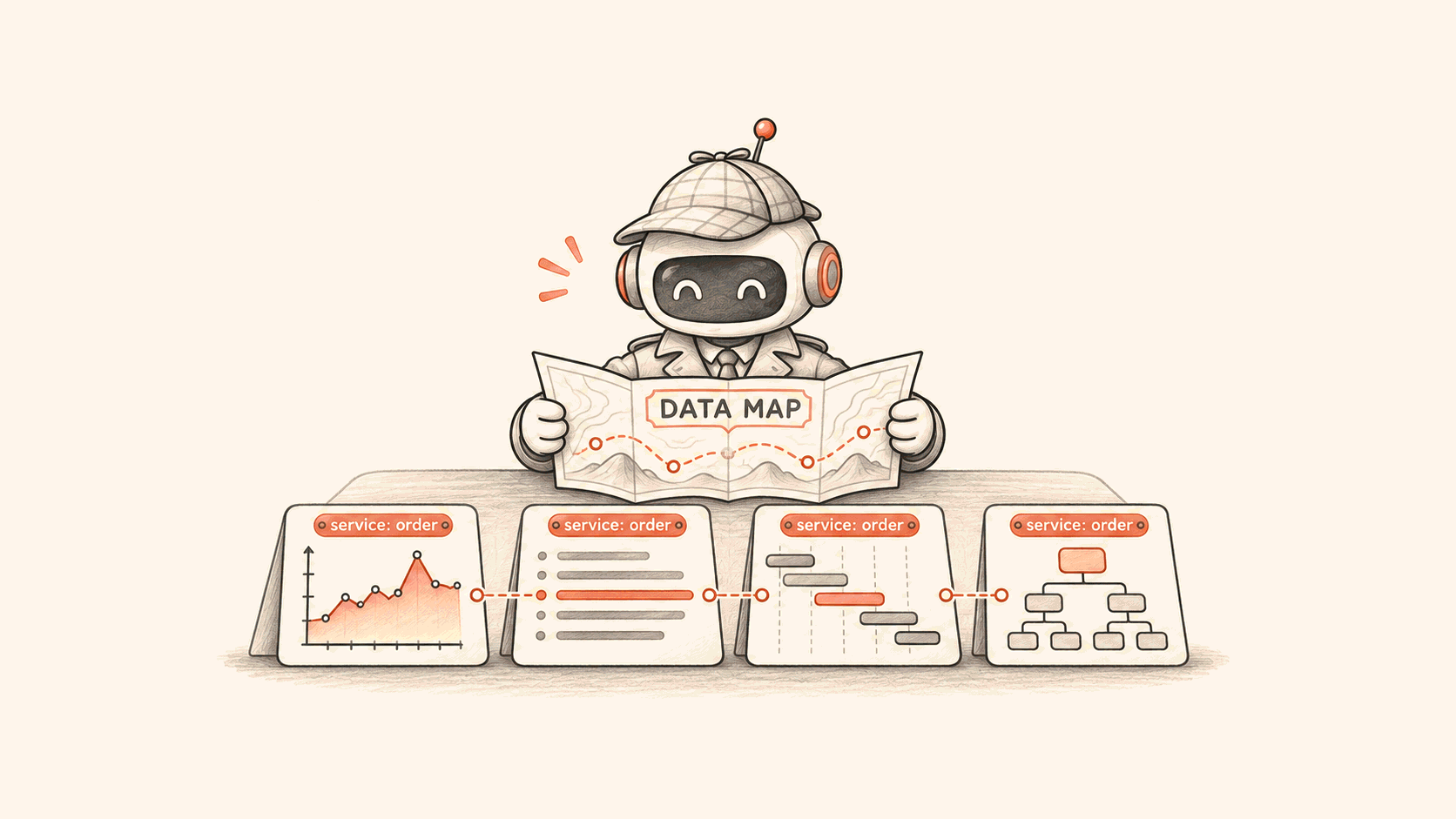
We deploy MonitEdge in each network zone that needs data source access. The central service sends a query to the appropriate Edge, which queries the data source and returns the result. The agent uses a data source's query tool without managing connections to each network zone. Flashduty supports more than a dozen data sources, and most provide query tools for root cause analysis.
For more about this deployment model, see Distributed data source control plane. For a related cluster access pattern, see Safe cluster access for AI SRE.
Connectivity is only the first step. A model-generated query can contain a syntax error or be valid but expensive to execute. Query tools need boundaries before execution, during execution, and when returning results.
Limit what a query can do and how much it can scan
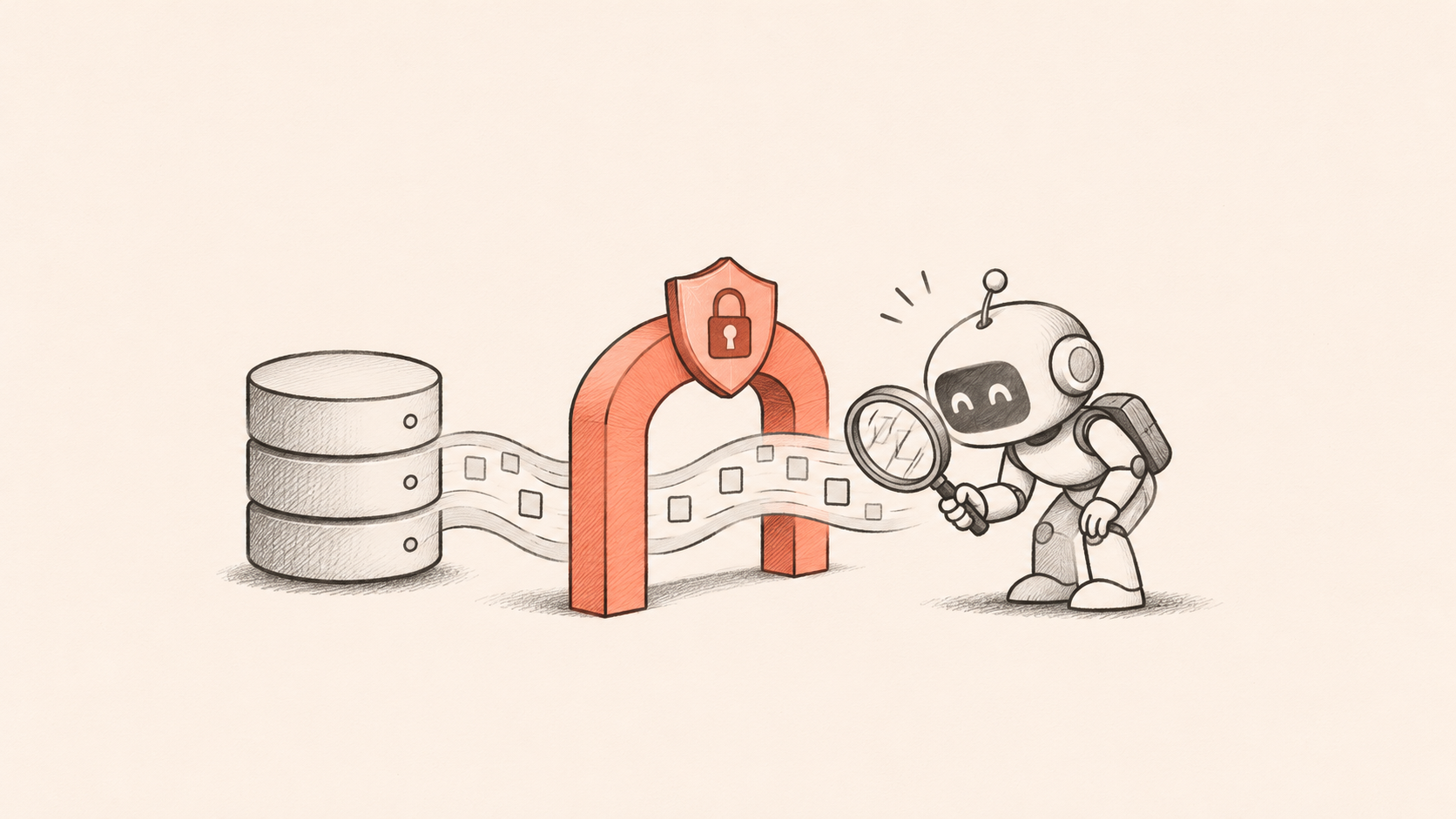
For SQL data sources, we check statements against a read-only policy. The policy blocks writes such as INSERT, UPDATE, and DELETE, as well as requests such as multiple statements. SQL validation alone isn't a complete security boundary. Database syntax and functions vary, and keyword or syntax checks can't prove that a statement has no side effects. Use read-only data source credentials with only the permissions needed for investigation.
Read-only doesn't mean cheap. A SELECT can scan an entire large table. A log query without a time constraint can retrieve hours or more of data. A PromQL query can select so many time series that it consumes substantial CPU and memory. Adding LIMIT to the result doesn't necessarily limit the amount of data scanned to produce it.
In addition to limiting returned rows, set query time ranges, timeouts, and concurrency limits appropriate to each data source. Start with a small window around the incident and filter to a specific service or instance. Expand the scope if the evidence is insufficient. Database-side controls such as indexes and resource quotas still matter.
Bound results before they enter memory

Result size affects memory in at least two places: Edge reading the data source response and the central WebAPI processing the result. It also affects token usage when the agent adds the result to the model's context.
Don't wait until the entire response has been read and serialized to check its size. For HTTP data sources, count bytes as you read the response stream. Stop reading and return a clear size-limit error when the budget is exceeded. For database results, bound the row count, field size, and total bytes while iterating and encoding. The central service needs its own receive limit to keep an oversized response from propagating further. Set thresholds based on the data source, deployment capacity, and use case.
You can give the agent a tighter result budget. A model rarely needs tens of thousands of raw log lines. It may need an error distribution, representative samples, and the time window of the anomaly. Aggregate at the data source where possible, then let the agent decide whether to investigate further based on the summary.
When a result exceeds a limit, tell the agent which limit was reached instead of silently presenting a truncated response as complete. It can then narrow the time range, add filters, or use an aggregation. If you return partial results, mark them as incomplete so the model doesn't draw conclusions from missing data. Propagate timeouts and cancellation to the data source where possible, so a query doesn't keep consuming resources after the caller has stopped waiting.
Make the guardrails observable
Limits that are too strict can prevent the agent from finding evidence; limits that are too loose can affect production systems. Track query latency, timeouts, size-limit errors, concurrency rejections, returned rows, and response bytes. Use those observations to adjust budgets for each data source. Query expressions and results may contain sensitive information, so avoid putting them in metric labels or logging them indiscriminately.
AI needs access to reliable evidence to help SRE teams investigate incidents. Connectivity is the starting point; permissions, query cost, and result budgets also need attention so agents can gather evidence during an incident.
Flashduty AI SRE helps teams handle alerts and use metrics, logs, and other data source information to investigate issues.